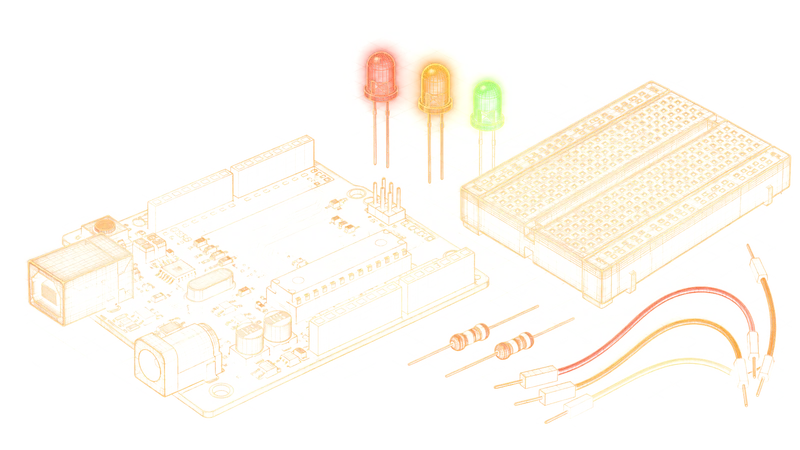
Electricity, the Arduino, sensors and motors, ending in a device you built and soldered. Every lesson is a theory clip, an interactive page and a practical clip.
No.LessonLength
01Welcome27m
1.1Welcome and what you'll build13m
1.2Safety and the kit14m
02Electricity, no code yet3h 6m
2.1Voltage, current and resistance28m
2.2The breadboard and jumper wires15m
2.3LEDs, resistors and Ohm's law37m
2.4The multimeter29m
2.5Powering circuits: batteries, bench supply, power module25m
2.6Switches, capacitors and diodes29m
2.7★ Project: a hand-wired traffic light21m
Challenges · 4 to build on your own
03Arduino basics1h 36m
3.1The Arduino and your first program14m
3.2Digital outputs and the basics of code30m
3.3The Serial Monitor and debugging30m
3.4★ Project: Arduino traffic light20m
Challenges · 4 to build on your own
04Inputs and sensors1h 47m
4.1Buttons with the Arduino24m
4.2Potentiometer: analog input23m
4.3Light sensor: an automatic night light25m
4.4Temperature sensor and real numbers18m
4.5★ Project: room monitor15m
Challenges · 7 to build on your own
05Outputs and motion2h 12m
5.1Buzzer: making sound21m
5.2Transistors: switching bigger loads45m
5.3Servo motors21m
5.4DC and stepper motors31m
5.5★ Project: button-triggered alarm12m
Challenges · 6 to build on your own
06Displays26m
6.1LCD1602: a live sensor readout26m
Challenges · 5 to build on your own
07Final project: Desk Guardian Mini1h 36m
7.1Planning: from idea to schematic on paper10m
7.2Building it on the breadboard6m
7.3Writing the code29m
7.4Making it permanent: soldering, and what's next50m